The Voice on the Other End
Series 16: The World You Still Live In
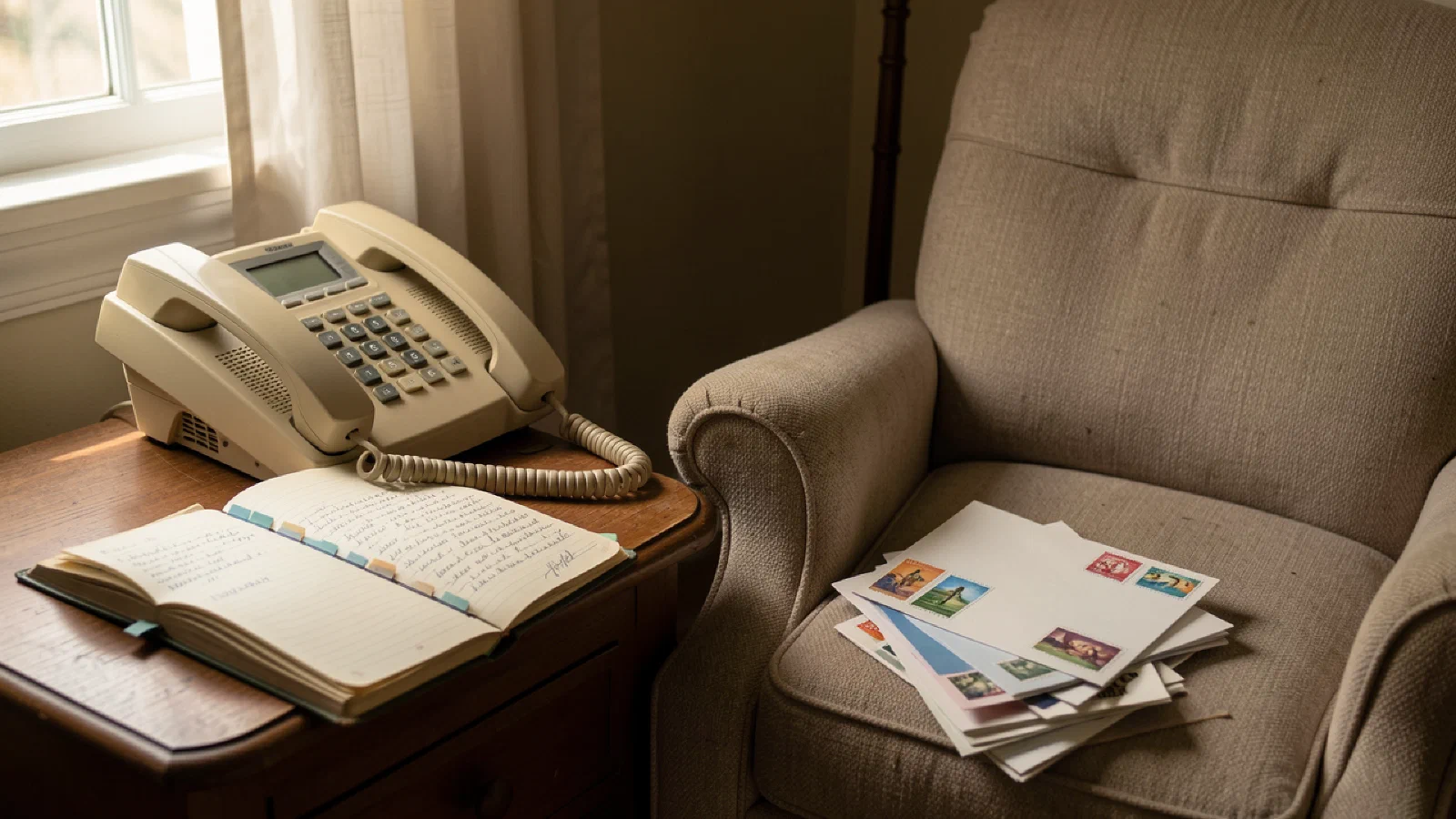
Pearl Washington communicates by phone call, visit, and handwritten card.
She is 80. She has hearing loss that makes phone calls difficult when the line is not clear. She has mild arthritis that makes typing on a smartphone screen painful after about two minutes. Her hearing aids are Bluetooth-capable; her grandson told her this. She has not connected them to anything.
Her daughter lives in Seattle. Her son lives in Baltimore, fifteen minutes away. Her sister lives in Charlotte. The church prayer group that Pearl attended for twenty-two years moved to Zoom during the pandemic. It never moved back. Pearl has not attended since.
The world communicates digitally. Group texts, video calls, email threads, social media, and WhatsApp have reorganized the infrastructure of connection. Pearl communicates the way she always has. The gap between how she communicates and how the world communicates is getting wider, not narrower.
Pearl’s Communication Stack#
A phone call requires that Pearl’s hearing aids work, that the line is clear, and that the person on the other end speaks at a pace her hearing can manage. Her daughter has learned to speak at the pace Pearl needs. Her son drops in. Her sister calls on Sunday mornings when the line is consistently good.
These connections are real and they matter. They are also mediated by technology that Pearl manages imperfectly and by technology that the people she loves use in ways that do not include her.
The group text her son created for the family, the one where he announces things and the grandchildren respond with photographs, does not reach Pearl the way it reaches the others. She sees it eventually, when someone shows her. The Zoom call her daughter organized at Christmas, which her granddaughter in Seattle joined from her apartment, did not work well: Pearl could not hear the granddaughter, the screen was small, and the connection dropped twice.
The handwritten card she sent her granddaughter in Seattle for her birthday is kept on the granddaughter’s refrigerator. The birthday text from Pearl’s son arrived in the family group chat within seconds. The card arrived on a Tuesday, eleven days later, and is still there.
What Hearing Technology Actually Offers Now#
Live captioning on smartphones has improved to the point where it is genuinely useful for people with Pearl’s level of hearing loss. On iPhones running iOS 16 and later, Live Captions transcribes everything the phone’s microphone hears in near real time and displays it on the screen. On Android phones, Live Transcribe offers similar functionality. During a phone call, these features display what the other person is saying as text.
The connection between Pearl’s hearing aids and her phone requires a one-time setup. Most modern hearing aids, including common brands available through audiologists and through Costco’s hearing center, support Bluetooth pairing with iPhones and Android phones. Once paired, the phone’s audio streams directly to both hearing aids. The phone call that Pearl now manages at medium difficulty becomes, with direct streaming, significantly clearer. The setup requires either a visit to her audiologist or a patient family member with an afternoon to spend.
Captioned telephone services exist specifically for people with hearing loss. CapTel and InnoCaption provide phone handsets or apps that display real-time captions of the other person’s voice during a phone call, using human transcriptionists or AI. These services are funded through the Federal Communications Commission’s program for telecommunications relay services and are available at no cost to people with hearing loss. Her audiologist can provide a referral and documentation.
Video Calling for People Who Don’t Type#
FaceTime requires an iPhone or iPad. Zoom works on any device with a camera. Google Meet works in a browser. These are the platforms. The question for Pearl is whether any of them can work with her hearing loss and her arthritis without a family member managing the call for her.
On a tablet rather than a phone, the screen is large enough to read captions without straining. Zoom supports live auto-captions, which can be enabled by the meeting host. FaceTime offers Live Captions on recent Apple devices. The visual clarity matters: for Pearl to lip-read supplementally, the video quality and the screen size matter more than they do for someone relying solely on audio.
The GrandPad is a tablet designed specifically for older adults, with a simplified interface, no password required, and a family portal that allows family members to set up contacts and manage the device remotely. It connects Pearl to video calls with family members through a large-button interface that does not require her to navigate a complex app. The cost is around $40 per month as a subscription. For a family where setup and maintenance are the barriers, it transfers the technical management from Pearl to a family member who can do it remotely.
The Language Bridge#
Pearl’s home health aide speaks Haitian Creole with limited English. The communication between them is workable but limited. Medical instructions, preferences, questions about how Pearl is feeling, all of these require more precision than their shared vocabulary allows.
Google Translate’s Conversation Mode allows two people to speak in different languages and hear the translated response through the phone’s speaker. One person speaks in Creole. The phone translates to English, aloud. Pearl responds in English. The phone translates to Creole, aloud. The conversation works. The translation is imperfect, as any translation is. It is far better than the alternative.
This is available now, on any Android phone, at no cost. It requires someone to have installed the Google Translate app and shown Pearl and her aide how to use Conversation Mode. That is a fifteen-minute setup. It has not happened because nobody knew it was available.
Voice-First Everything#
The Amazon Echo Dot on Pearl’s kitchen counter can call her daughter by voice. “Alexa, call Rebecca in Seattle.” The call goes through to her daughter’s phone. Pearl does not need to navigate a contact list. She does not need to type anything. She says the words.
The same device reads her messages aloud, plays music she selects by name, sets medication reminders, and answers basic questions. For Pearl, whose arthritis makes typing painful, a device that responds to voice eliminates most of the friction that makes smartphones frustrating.
Where voice-first fails: when the accent is thick or the speech is quiet. Pearl speaks clearly. The device understands her. For someone with a strong regional accent or quieter voice, voice recognition accuracy drops. For Pearl, the current generation of voice assistants is more accessible than touch-based interfaces. This is one of the areas where technology is, in fact, designed in a way that works for her.
The Zoom Prayer Group#
Pearl’s prayer group meets Thursday mornings at 10 AM on Zoom. Twenty-two years of Thursday mornings in the church fellowship hall became a Zoom link in March 2020. It did not come back.
What it would take for Pearl to attend from her living room: a tablet with a screen large enough to see the faces, a reliable internet connection, someone who has set up the Zoom link and enabled captions, and a pair of Bluetooth hearing aids streaming directly from the tablet. Each of these is available. None of them has been assembled for Pearl.
Her son lives fifteen minutes away. A Saturday morning with the right equipment is the gap between Pearl attending the Thursday prayer group and Pearl not attending it. The church would have her back. The technology accommodates her. The bridge between Pearl and the technology is a Saturday morning and a family member who understands what she needs.
What the Personal AI Changes#
The personal AI that knows Pearl’s communication preferences does not require her to navigate technology that was not designed for her. It knows she calls her daughter on Tuesday evenings. It knows she prefers phone calls to video calls because the video quality varies. It knows her hearing aids are connected and can stream directly. It knows her son stops by on Saturdays and her sister calls Sunday mornings. It knows the prayer group is Thursday at 10 and she wants to join.
At 9:45 Thursday morning, it opens Zoom, enables captions, and displays the meeting room on Pearl’s tablet, ready to join. Pearl sits down and taps the join button. The technology has done its work. Pearl is at the prayer group.
The personal AI managing communication for Pearl is one to two years from being a genuinely integrated consumer experience. The components are available now. The system that connects them to Pearl’s specific needs and habits, without requiring Pearl to manage the technology, is being built.
The Card#
Pearl still sends handwritten cards. She has sent them for sixty years. Her granddaughter in Seattle has kept every one: birthdays, graduations, the card when the granddaughter’s cat died, the Christmas card every year with a small photograph from a recent visit. The granddaughter has a box of them.
The card is not a technological failure. It is a communication choice that technology has not replaced because it cannot be replaced. The weight of a card that someone sat down and chose and addressed and stamped and mailed carries something that no message notification carries. The granddaughter knows this. Pearl knows this.
The best communication technology for Pearl is the technology that removes the barriers to the connections she wants, without replacing the forms she chooses. The Zoom that gets her to Thursday prayer group. The hearing aid streaming that makes the phone call to her daughter clearer. The Google Translate that lets her tell the aide that her knee is hurting more than usual this week. And the handwritten card, for the occasions when the card is the right thing. All of it, and the card.
How this article connects to others in Blue Mirror.
Sources cited in this article.
- Apple. "Live Captions on iPhone." support.apple.com.
- Federal Communications Commission. "Captioned Telephone Service.".
- CapTel. "How CapTel Works.".
- GrandPad. "How GrandPad Works.".
- Google. "Translate Conversation Mode." translate.google.com.
- Hearing Loss Association of America. "Technology.".